Developer Resources
Welcome to the Median.co Developer Portal. Here you'll find demos and resources to help test native features in iOS and Android apps.
How to use the demos
-
1
Explore the website
Open a demo website in your browser to inspect the web experience and understand the Median JavaScript Bridge commands it uses.
-
2
Open the simulator
Open the demo in an iOS or Android simulator to use the app and access the APK/IPA files.
-
3
Clone the app
Clone a demo to your Median account. Make your own version and add more features.
General
Advanced Navigation
App Resumed Callback
App Settings
App Switch
Image Upload & Camera Capture
Clipboard
Connectivity
Cookie Testing
Context Menu
Dark Mode
Deep Linking
Device Info Function
Device Screen Controls
Download Functions
Dynamic Type
Full Screen
JavaScript Bridge Library Ready
JavaScript Dialogs
Keyboard Info Function
Link Handling
Links (a href)
Location Services
Max Windows
Native Page Transitions
Navigation Functions
PDF Viewer
Permissions
Share Function
Splash Screen Transition
Status bar Functions
Swipe Gestures Functions
User Agent
Web Console Logs
Webview Zoom
Webview Cache/Cookies
Windows - Open/Close
Platform-Specific App Functions
iOS Exclusive Functions
Android Exclusive Functions
Median.co Native Plugins

AdMob Native Ads Plugin

AgeSafety Plugin

AppsFlyer Plugin

Android Biometric, Apple Face ID / Touch ID Plugin

App Review Plugin

Auth0 Plugin

Background Location Plugin

Braze Plugin

Calendar Plugin

Card.io Plugin

Document Scanner Plugin

Firebase Analytics Plugin

Firebase Cloud Messaging Plugin

Firebase Crashlytics Plugin

Haptics Plugin

In-App Purchases

Intent Edge

Intercom Plugin

Meta App Events Plugin

Modal Plugin

MoEngage Plugin
Native Contacts Plugin

Native Datastore Plugin

Native Media Player Standard Player

Native Media Player Background Player

NFC Plugin
Offline Download Plugin

Ortto Plugin

OneSignal Plugin
OneSignal Legacy Plugin

QR / Barcode Scanner Plugin

RevenueCat

Salesforce Marketing Cloud

Share into App

Sendbird Plugin

Social Login Plugin
Social Share Plugin

Web Screenshot Plugin
Built with AI
Daily Health Tracker
Built with

Track your daily exercise data.
Displays health data using Health Bridge, Uses OneSignal Push Notifications, and provides Haptic Feedback.
Website Open Simulator Clone App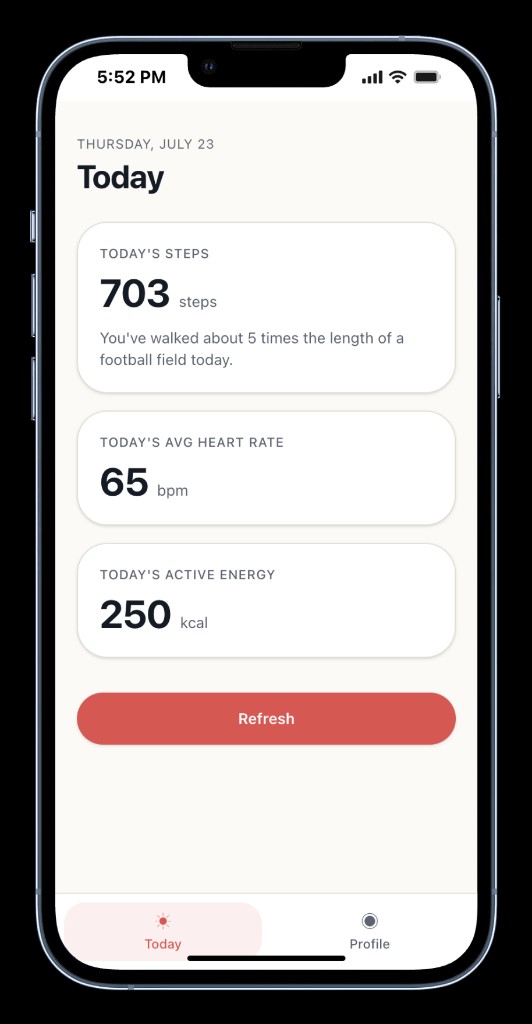
Median Vault
Built with

Save and access your passwords.
Unlocks with Face ID/Touch ID, copies passwords to the clipboard, and provides haptic feedback.
Disclaimer: This is a demo app for proof-of-concept purposes only. Passwords are stored in unencrypted local storage (UserDefaults/SharedPreferences). Do not use this app to store real passwords.
Website Open Simulator Clone App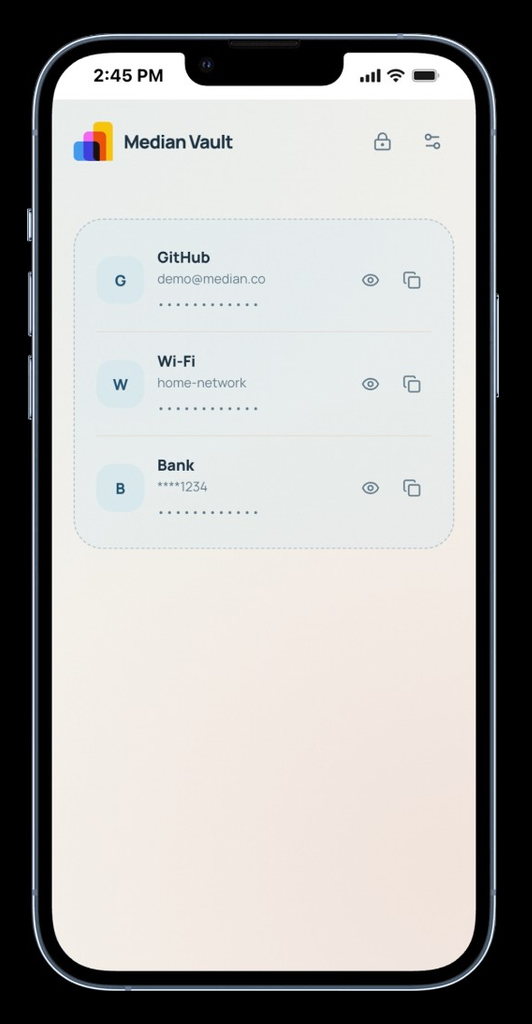
Demo Sites
Launch
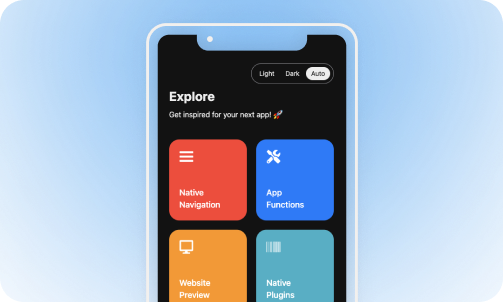
Uses Native Navigation, Share, App Settings, and Status Bar to show how core Median features work together.
Website Open Simulator Clone App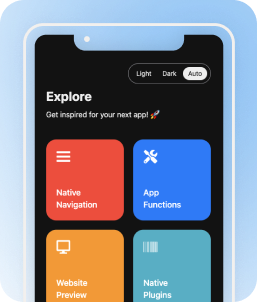
Mobile Daily
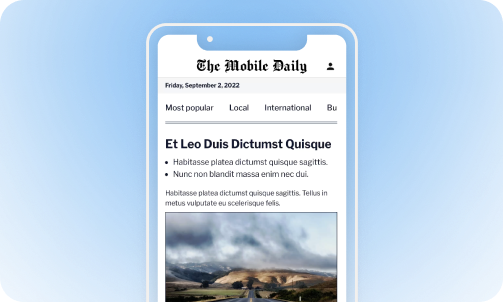
Uses Push Notifications, Share, and Native Navigation for a mobile news experience.
Website Open Simulator Clone App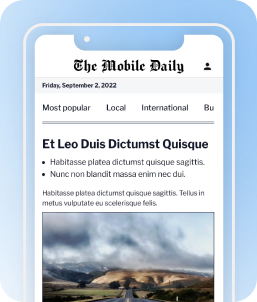
Median Shop
Built with

Shop Online, Sign in to customer accounts, and receive push notifications.
This is a demo app for proof-of-concept purposes only. The store does not process payments.
Website Open Simulator Clone App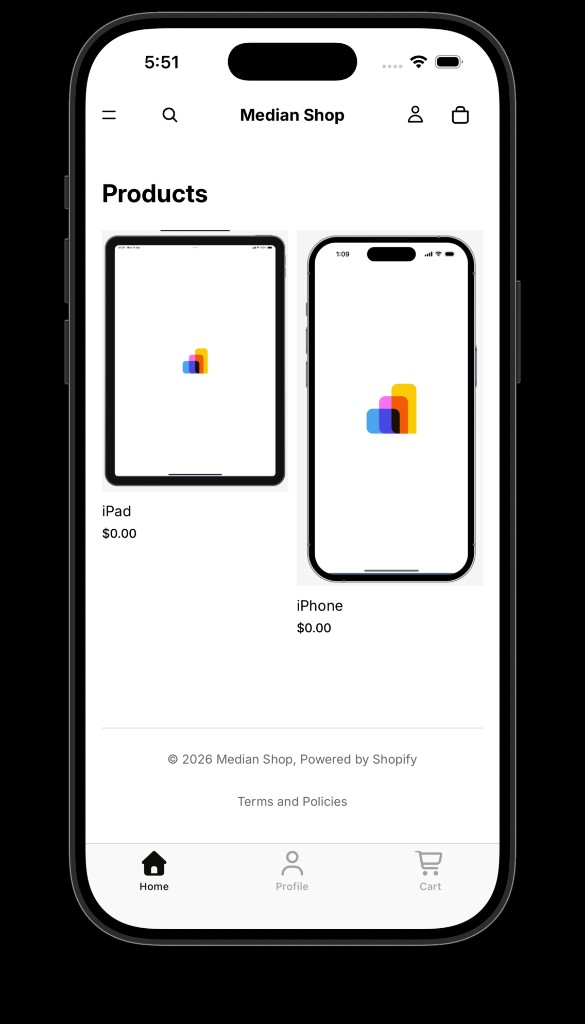
Mobile Hotels
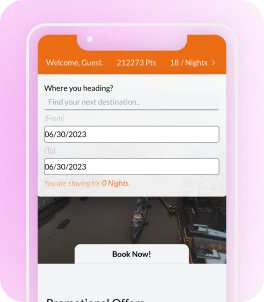
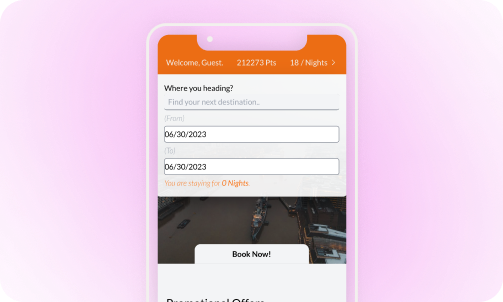
Uses Biometric Auth, Calendar, Push Notifications, and Native Navigation for hotel booking flows.
Website Open Simulator Clone App